29 July 2026
From Four EC2 Instances to One: Moving Our Audio Pipeline to Lambda
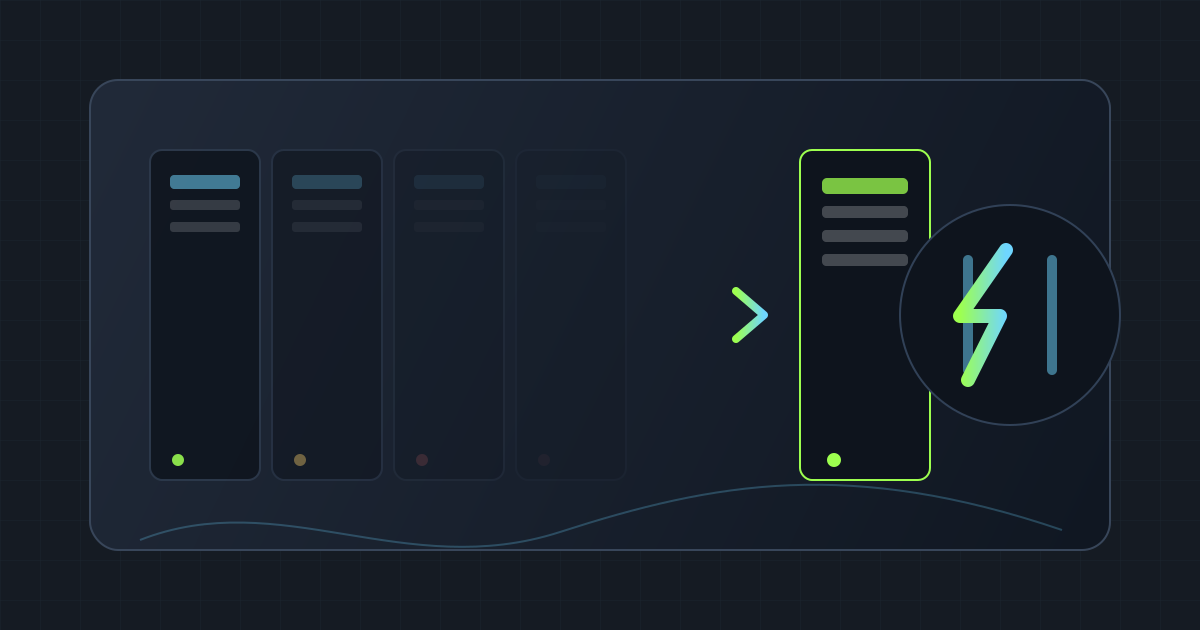
We run an audio transcription and summarization pipeline for veterinary clinic visit recordings. Until recently, that pipeline lived on four always-on EC2 instances. Today it lives on one instance plus a set of Lambda functions that only run — and only cost money — when there’s actual work to do. This post is a walkthrough of that move: why we made it, the general approach we took to do it safely, and what it saved us.
The starting point: four instances, always on
Our original setup split responsibilities across four dedicated EC2 instances, each handling a different part of the pipeline:
- API host — serves the app, receives uploads, enqueues jobs
- A worker for lightweight, latency-sensitive jobs — call recordings, feedback submissions
- A worker for combining audio — stitches multi-track session audio into a single file
- A worker for transcription — runs speech-to-text with a fallback provider, plus some domain-specific post-processing for our veterinary, Japanese-language use case
All four ran continuously, sized for peak load, whether or not a recording was actively being processed. Combine and transcribe are bursty by nature — clinics record sessions throughout the day, but the actual compute work happens in short windows. Paying for two of those four instances to sit idle most of the day was the core inefficiency we wanted to fix.
Result: $57.60/month saved — 48% reduction versus the four-instance baseline ($120/mo → $62.40/mo).
The target: one instance, everything else on demand
We didn’t move everything to Lambda. The API host and the lightweight worker stayed on EC2 — they’re the always-on, low-latency parts of the system, and Lambda’s execution model doesn’t fit them well. What moved was the bursty part: combine and transcribe.
- 1 EC2 instance left running — API plus the lightweight worker
- Everything else on Lambda, triggered per-job through a queue, scaling to zero when idle and out to however many jobs show up at once
The Lambda functions run the same application code the EC2 workers did — this was an infrastructure change, not a rewrite. Output quality and behavior stayed identical; only where the code ran changed.
How we moved it without breaking production
A few principles shaped the rollout, at a high level:
- Flag it, don’t flip it. A single config switch decided whether a job ran on the old workers or the new Lambda path, defaulting to the old path. That let us ship the new path to production carrying zero real traffic, and turn it on only once we trusted it — with rollback being a config change, not a redeploy.
- Stand up before cutting over. The new infrastructure (queues, functions, permissions) went live first with nothing actually wired to send it traffic. Getting the infra deployed and getting it live were two separate, deliberate steps.
- Keep the old path warm. The retired instances stayed up and idle through a soak period after cutover — no new jobs, but able to take load back instantly if anything looked wrong.
- Verify end to end before trusting it. We tested the new path directly first (bypassing the app), then ran a full pass through the real app, watching error rates and latency the whole way, before calling it done.
- Confirm nothing else moved. The parts of the system that weren’t part of this migration kept running exactly as before, on the same worker, untouched.
The result
- 4 always-on instances → 1 always-on instance + on-demand compute
- Combine/transcribe now scales to zero between jobs instead of idling 24/7 on reserved capacity
- $120/month → $62.40/month, a 48% reduction
- No change to output quality or user-facing behavior — this was a pure infrastructure win
The biggest lesson wasn’t Lambda-specific. It was that a feature flag plus a “stand up first, cut over separately” rollout let us move a real production workload with no maintenance window and no incident risk — the kind of change you can make boring on purpose.
Basis
This is a personal lab note from a real production migration I ran. The architecture, rollout steps, and outcome described are accurate to what we did. The cost figures ($120/mo → $62.40/mo, 48% reduction) are an estimate based on our actual instance pricing before and after the move, not a formal AWS Cost Explorer export — treat them as directionally accurate rather than an audited number.