15 June 2026
publishing TOON FMTR, my first VS Code extension
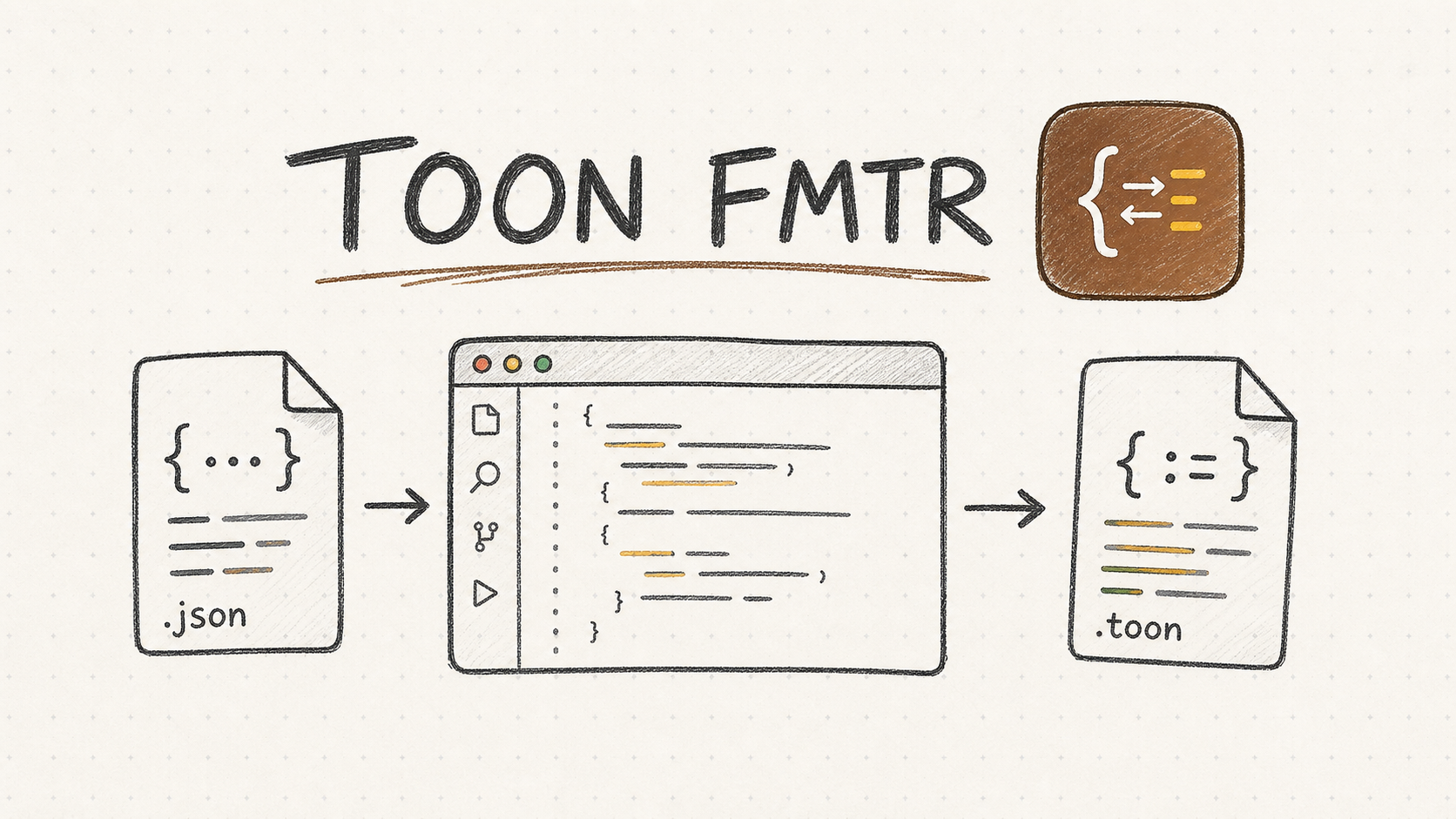
Publishing TOON FMTR, my first VS Code extension
Today I published TOON FMTR, a Visual Studio Code extension for working with TOON files.
The extension currently:
- recognizes
.toonfiles - adds TOON syntax highlighting
- converts JSON to TOON
- converts TOON to JSON
- formats
.toondocuments - can auto-convert files on save
- adds VS Code settings for auto-convert behavior
I built it manually so I could see how the extension pieces connect.
The extension shape
The main files are:
package.jsonsrc/extension.tssyntaxes/toon.tmLanguage.jsonlanguage-configuration.jsonesbuild.js.vscode/launch.json.vscodeignore
package.json is the extension manifest. It declares the commands, settings, language, grammar, activation events, and entry point.
The entry point is:
"main": "./dist/extension.js"
src/extension.ts is where the behavior is registered. For example:
vscode.commands.registerCommand("toon-tools.convertJsonToToon", async () => {
  // command behavior
});
The command ID in TypeScript must match the command ID in package.json.
Commands and settings
The extension contributes two commands:
TOON: Convert JSON to TOON
TOON: Convert TOON to JSON
It also contributes these settings:
toonTools.autoConvertOnSave
toonTools.autoConvertDirection
toonTools.autoConvertOverwriteExisting
toonTools.autoConvertMaxFileSizeKb
Those settings show up in the normal VS Code Settings UI.
Syntax highlighting and formatting
.toon files are registered as a custom language:
{
  "id": "toon",
  "extensions": [".toon"],
  "configuration": "./language-configuration.json"
}
Syntax highlighting comes from the TextMate grammar:
{
  "language": "toon",
  "scopeName": "source.toon",
  "path": "./syntaxes/toon.tmLanguage.json"
}
The formatter is registered in the extension code, so Format Document works on .toon files.
Auto-convert safety
Auto-convert on save was the part that needed the most care.
Before publishing, I changed it so:
- auto-convert only runs for
.jsonand.toonfiles - extensionless files are skipped
- existing sibling files are not silently overwritten
- overwrite requires a prompt unless the setting allows it
- auto-convert has a max file size limit
- manual conversion still works for larger files
That keeps the automatic behavior safer without removing the manual commands.
Local testing
The local test flow:
npm install
npm run compile
Then press F5 in VS Code to open the Extension Development Host.
Manual checks:
- open
samples/users.json - run
TOON: Convert JSON to TOON - run
TOON: Convert TOON to JSON - format a
.toondocument - enable auto-convert in Settings
- save JSON and confirm a
.toonsibling is created - confirm overwrite prompts appear
- confirm extensionless files are skipped
Before packaging, I also checked:
npm audit --omit=dev
Result:
found 0 vulnerabilities
Packaging
The package command is:
npm run vsix
That runs vsce package and creates:
toon-tools-0.0.2.vsix
Before writing this, I verified:
npm run compile
npm audit --omit=dev
npm run vsix
All three passed.
Publishing
I uploaded the first Marketplace version manually from the Visual Studio Marketplace publisher portal.
One practical detail: Marketplace versions are immutable. After 0.0.1 was uploaded, fixes required a version bump:
"version": "0.0.2"
Then I rebuilt the VSIX and uploaded the new package.
About GitHub Actions publishing
I added a GitHub Actions workflow for validation:
.github/workflows/publish.yml
The validation flow can run:
npm ci
npm audit --omit=dev
npm run compile
npx vsce package
Automated Marketplace publishing is possible, but it needs Azure DevOps/Marketplace authentication and a personal access token.
During setup, that Azure/PAT flow asked for card information. I did not want to do that for this release, so I built the .vsix locally and uploaded it from my local development environment instead.
For now, GitHub Actions can stay as validation. Publishing can be automated later.
Next
Things I want to improve:
- better TOON validation
- editor diagnostics
- clearer conversion errors
- more sample files
- automated tests for conversion and auto-convert behavior
- a publishing workflow after the Marketplace auth setup is sorted
The main thing I learned is simple:
package.json tells VS Code what exists.
extension.ts makes it work.
vsce turns it into a package.